Free Fire Nickname Style: 1000+ Ideas to Copy & Paste
Picking the right Free Fire nickname style is what separates a profile that gets screenshotted from one that gets scrolled past. With over 1000 ready-to-copy names below — organized by style so you can find your vibe fast — you don’t need to design anything from scratch. Just pick, copy, and paste straight into your in-game profile, and you’ll have a fresh look in under a minute.
If you’ve been searching for nickname style free fire or want to know what’s trending for free fire nickname style 2026, this list covers all of it in one place, along with the exact steps to get any of these names into your game correctly without them breaking or showing as blank boxes.
Every player goes through the same phase eventually — you start with a random default name, get a little more serious about the game, and then start noticing that the top players in your lobbies all seem to have names that look sharp, distinctive, and slightly mysterious. That’s the effect a good nickname style has: it signals experience and effort without you having to say a word. This page exists to shortcut that whole process so you can grab a style that already works instead of experimenting for hours.
What Makes a Great Nickname Style
A nickname style isn’t just about stacking symbols — the best ones follow a pattern that’s easy to read and still looks sharp in small text during a match, on the kill feed, and on the scoreboard where space is tight. Four things separate a good style from a messy one:
- Balance — one accent symbol at the start, one at the end (or none at all), not four different ones crammed together. A cluttered name is actually harder to remember than a clean one, even though it looks like more effort went into it.
- Font contrast — mixing small-caps letters with your normal base word makes the name pop without becoming hard to read at a glance, which matters when someone’s scanning a leaderboard mid-match.
- Length control — since Free Fire caps names at 12 characters, the most successful styles keep the symbol count low so more of your actual name fits. Every symbol you add eats into that budget, so a name with four decorative symbols might only leave you six or seven characters for the actual word.
- Compatibility — some symbols that look great inside Free Fire’s own font don’t render the same way everywhere else (screenshots, forums, chat apps), so if you plan to use your name outside the game too, it’s worth sticking to symbols that are broadly supported.
Keep these four rules in mind as you browse the list below, and feel free to mix and match pieces from different names to build your own combination — most players end up taking the prefix from one name and the base word from another rather than using any single entry exactly as written.
Top Names by Style
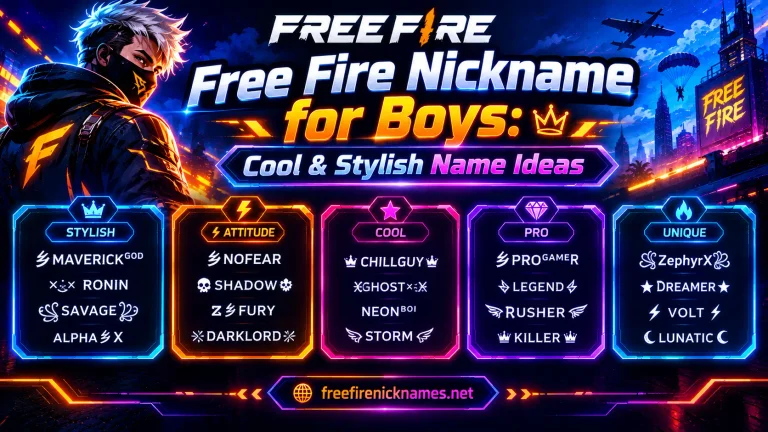
Free Fire Nickname Style 2025
- ×ᴋɪɴɢ×
- ᴅᴀʀᴋ•sʜᴀᴅᴏᴡ
- ᴘʀᴏ˚ɢᴀᴍᴇʀ
- ×sɴɪᴘᴇʀ×
- ᴜɴsᴛᴏᴘᴘᴀʙʟᴇ_07
- ᴄʀᴀᴢʏ•ʙᴏʏ
- ᴠɪᴘᴇʀ˚sᴛʀɪᴋᴇ
- ×ᴡᴀʀʀɪᴏʀ×
- ʟᴇɢᴇɴᴅ•ʀɪsɪɴɢ
- ᴘʜᴀɴᴛᴏᴍ˚07
- ×ʀᴜᴛʜʟᴇss×
- ᴄʜᴀᴍᴘ_ɪɴ_ᴛᴏᴡɴ
Nickname Style Free Fire (Classic Picks)
- ×ᴋɪʟʟᴇʀ×
- ᴅᴇᴠɪʟ•ʙᴏʏ
- ᴀʟᴏɴᴇ˚ᴡᴀʀʀɪᴏʀ
- ×ᴀssᴀssɪɴ×
- ᴋɪɴɢ_ᴏꜰ_ᴀʀᴇɴᴀ
- ᴘsʏᴄʜᴏ˚ᴋɪʟʟᴇʀ
- ×ᴅᴀɴɢᴇʀ×
- sʜᴀᴅᴏᴡ•ʜᴜɴᴛᴇʀ
- ᴜɴʙᴇᴀᴛᴇɴ_07
- ×ʙʟᴀᴢᴇ×
- ɢʜᴏsᴛ˚sɴɪᴘᴇʀ
- ᴛᴏxɪᴄ•ᴋɪɴɢ
Free Fire Nickname Style Font (Stylish Text Only)
- ᴋɪɴɢ
- sʜᴀᴅᴏᴡ
- ᴡᴀʀʀɪᴏʀ
- ᴘʜᴀɴᴛᴏᴍ
- ʟᴇɢᴇɴᴅ
- ᴄʜᴀᴍᴘɪᴏɴ
- ʜᴜɴᴛᴇʀ
- ᴅᴇsᴛʀᴏʏᴇʀ
- ᴀssᴀssɪɴ
- ʀᴀɪᴅᴇʀ
- ɴɪɴᴊᴀ
- ʙᴇᴀsᴛ
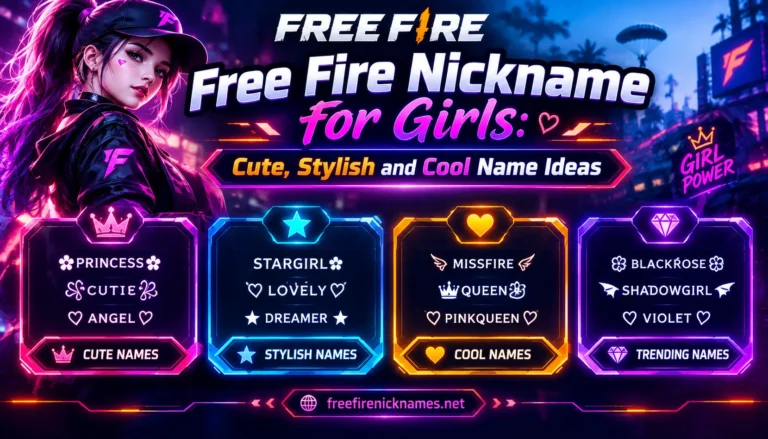
Extra Style Picks (Boys, Girls, Mixed)
- ×ʙᴀᴅ×ʙᴏʏ_007
- ᴄᴜᴛᴇ•QUEEN
- ×sɪɴɢʟᴇ×ᴋɪɴɢ
- ᴘʀɪɴᴄᴇss˚07
- ×sᴀᴠᴀɢᴇ×ǫᴜᴇᴇɴ
- ᴍɪss•ᴀᴛᴛɪᴛᴜᴅᴇ
- ×ʟᴏɴᴇ×ᴡᴏʟꜰ
- ᴅᴀɴɢᴇʀᴏᴜs•ɢɪʀʟ
- ×ᴘʀᴏ×ᴘʟᴀʏᴇʀ
- ǫᴜᴇᴇɴ_ᴏꜰ_ʜᴇᴀʀᴛs
Symbols & Fonts to Pair With These Names
For maximum compatibility across devices and when pasting names outside the game (like into chat apps, forums, or a YouTube bio), stick to widely-supported symbols: × • ˚ ° – [ ] _ combined with small-caps lettering (ᴀʙᴄᴅ style). These render correctly on virtually every phone, browser, and font, which means your name will look the same whether a friend sees it in-game, in a screenshot you post, or in a Discord message.
Avoid piling on rare script-based symbols borrowed from other alphabets or writing systems — they can look impressive inside Free Fire’s own font engine, but they frequently break or show as blank boxes on websites, in screenshots, and on certain phone keyboards that don’t have those character sets installed. A name that looks perfect on your screen right now could show up as a row of empty squares (□□□) on a teammate’s older device, which defeats the whole purpose of a stylish name in the first place. When in doubt, test a name style on more than one device before you commit to it as your long-term identity.
Font contrast is the other lever worth understanding. Small-caps letters (like the ones used throughout this list) are technically just regular Unicode characters styled to look like miniature capital letters — they’re not a special “font” you install, and they paste and display consistently because they’re standard characters, not decorative symbols pulled from obscure character blocks.
How to Copy-Paste Into Free Fire
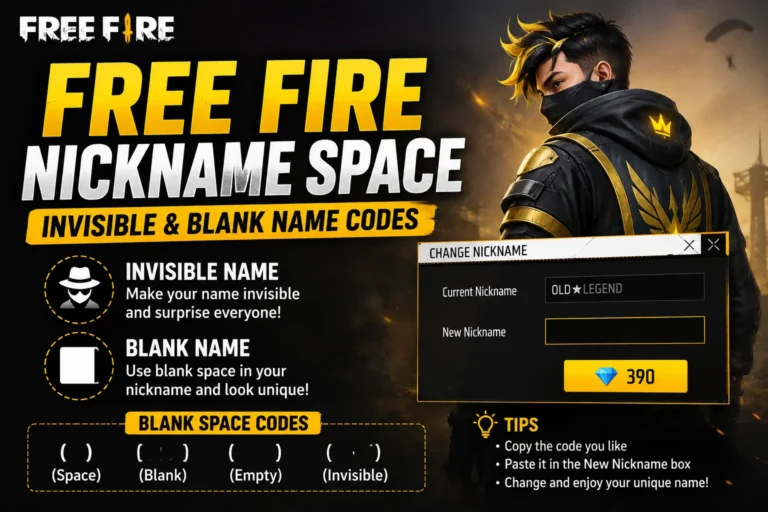
- Tap the name you want from this list to select/highlight the text, then copy it (long-press → Copy on mobile, or Ctrl+C on desktop).
- Open Free Fire, go to your Profile by tapping your character icon, and tap the pencil/edit icon next to your current nickname.
- Long-press inside the name field and choose Paste from the popup menu that appears above the keyboard.
- Confirm the name displays correctly — no blank boxes, no missing symbols, no extra characters accidentally copied along with it — then tap OK/Confirm to save.
- If it’s your first-ever change, this is free. If you’ve already used your free change, you’ll need a Nickname Card from the in-game store, purchasable with diamonds.
- Double-check your profile after saving — sometimes a symbol that pastes fine renders slightly differently once it’s actually applied to your live profile.
If a symbol shows as a box after pasting, go back and pick a name using only the safe symbol set described above (× • ˚ ° – [ ] _) — swapping out just the problem symbol almost always fixes the issue without needing to change the rest of the name.
FAQs
Q: Which nickname style is trending in 2025-2026? A: Clean, minimal styles with one accent symbol and small-caps text (like ×ᴋɪɴɢ× or ᴅᴀʀᴋ•sʜᴀᴅᴏᴡ) are currently more popular than heavily symbol-stacked names, which was the dominant look a few years back.
Q: Can I combine two names from this list? A: Yes — mixing a prefix from one name with a base word from another is one of the best ways to make your name unique while staying under the 12-character limit. Most of the “original” looking names players use are actually remixes of two or three existing styles.
Q: Why did my pasted name change or break after I saved it? A: Some symbols aren’t supported by every keyboard, font, or device. Stick to the safe symbol set (× • ˚ ° – [ ] _) for the most reliable results across every device your friends and opponents might be using.
Q: Do I need to worry about the character limit with these styles? A: Yes — Free Fire caps nicknames at 12 characters total, including symbols. Count your chosen name before pasting it to make sure it fits, and trim a symbol if it’s too long.
Q: Is it okay to use the exact same name as someone else on this list? A: Free Fire doesn’t allow two accounts on the same server to share an identical nickname, so if your first pick is taken, tweak one symbol or letter to make your version unique while keeping the same overall style.
Conclusion
With over 100 style options above, you should have more than enough to build a name that fits your vibe — whether that’s clean and minimal, bold and aggressive, or something styled specifically for 2025’s trends. If you want unlimited fresh combinations built automatically around your own base name instead of picking from a fixed list, try our Free Fire Nickname Generator, which handles the symbol placement and duplicate-checking for you. And for the full rulebook on character limits, changing your name, and avoiding common naming mistakes, check out the main Free Fire Nickname guide.