Free Fire Nickname: Best Stylish & Unique Nicknames (2026)
Your Free Fire nickname is the first thing every player sees about you — before your rank, your kills, or your K/D ratio. A weak, default-looking name gets ignored in the lobby. A sharp, stylish Free Fire nickname gets remembered, screenshotted, and copied by squadmates and opponents alike. Whether you’re setting up your ID for the first time, or you’re bored of your current tag and want something that actually looks like a pro player’s name, this guide covers everything you need: the official naming rules, how to change your name step-by-step, 100+ ready-to-use stylish ideas with symbols, and the mistakes that get names rejected.
If you’ve searched for nickname free fire, free fire ka nickname, nickname in free fire, or you just want the free fire nickname best ideas without digging through a dozen tabs, this page is built to be the one-stop hub for all of it. Every section below links out to a deeper guide if you want to go further into a specific style, language, or trick — but everything you need to get started is right here.
What is a Free Fire Nickname & Why It Matters
In Free Fire, your nickname (also called your in-game name or IGN) is the display name that shows above your character’s head, in the kill feed when you eliminate someone, on the leaderboard, in your squad’s chat window, and on your public profile card that other players can view. Unlike your account ID — which is just a long string of numbers you never really think about — your nickname is the part of your identity that’s fully customizable, and it’s the main way other players form an impression of you before a match even starts.
Think about the last time you loaded into a squad with three strangers. Before anyone says a word in voice chat, you’ve already sized each other up by nickname alone. A name like “Player8827492” reads as a fresh, disengaged account. A name like “꧁☬ᴅᴀʀᴋ亗ʀᴀɪᴅᴇʀ☬꧂” reads as someone who’s played long enough to care about their profile — maybe even someone who knows what they’re doing in a gunfight. Rightly or wrongly, players make snap judgments based on this, and it can affect everything from whether a random teammate trusts your calls to whether an opponent respects you enough to not push a fight they think they can win easily.
Beyond first impressions, your nickname is also part of your personal brand if you stream, post clips, or compete in local tournaments. A distinctive, spelled-consistently name makes you easier to find, remember, and follow across YouTube, Instagram, and in-game friend requests. That’s a big part of why so many players search specifically for free fire nickname best ideas rather than just picking the first thing that comes to mind — a good name compounds in value the longer you keep it.
Because Free Fire is played by hundreds of millions of people across India, Brazil, Indonesia, the Middle East, and beyond, nickname trends move fast and vary by region. What looked fresh in 2023 — heavy symbol clutter, for instance — can look dated by 2026, when cleaner small-caps fonts with a single accent symbol are more common. That’s part of why this page, along with the yearly style guides linked below, gets refreshed regularly instead of staying static.
Free Fire Nickname Rules (Character Limit, Allowed Symbols, One Free Change)
Before you lock in a new name, it helps to understand the boundaries Garena has built into the naming system. Getting these wrong is the single biggest reason players end up frustrated mid-way through setting a new nickname.
- Character limit: Your nickname can be up to 12 characters long. This includes letters, numbers, spaces, and most symbols — though some special Unicode symbols are counted as more than one character by the game’s system, which can eat into your limit faster than you’d expect.
- Allowed characters: The standard in-game keyboard lets you use letters (A–Z), numbers (0–9), and a small set of basic special symbols. This built-in keyboard is quite limited, though — it doesn’t give you access to the small-caps fonts, decorative brackets, or rare Unicode symbols you see in stylish names online. To get those, players copy-paste characters generated outside the game, usually from a tool like the one on this site, and then paste the finished string into the in-game name field.
- First change is free: Every Free Fire account comes with one free nickname change, available from the moment you create your profile.
- Nickname Cards for later changes: Once you’ve used your free change, changing your name again requires a Nickname Card, purchasable from the in-game store using diamonds. Cards occasionally go on sale during in-game events, so it’s worth checking the store before assuming you have to pay full price.
- Uniqueness across the server: Free Fire does not allow two accounts to hold the exact same nickname on the same regional server. If your first choice is already taken, you’ll need a slight variation — this is actually one of the biggest reasons symbol-based styling took off in the first place, since it lets you keep a popular base name while making it visually and technically unique.
- Content restrictions: Garena’s community guidelines prohibit nicknames that are offensive, sexually explicit, impersonate real public figures or brands, or contain hate speech or slurs in any language. Names that violate these rules can be flagged by other players or automated systems and force-reset by moderators without warning, which sometimes costs you a Nickname Card in the process.
Keeping all of this in mind before you commit to a name saves you the annoyance of falling in love with a name only to have it rejected at the confirmation screen, or worse, reset weeks later after you’ve already gotten attached to it.
How to Change Your Free Fire Nickname (Step-by-Step)
Changing your nickname takes less than a minute once you know exactly where to look. Here’s the full process from start to finish:
- Open Free Fire and let it load fully into the main lobby screen.
- Tap your character/profile icon in the top-left corner of the screen — this opens your profile card.
- Look for the pencil/edit icon positioned right next to your current nickname and tap it.
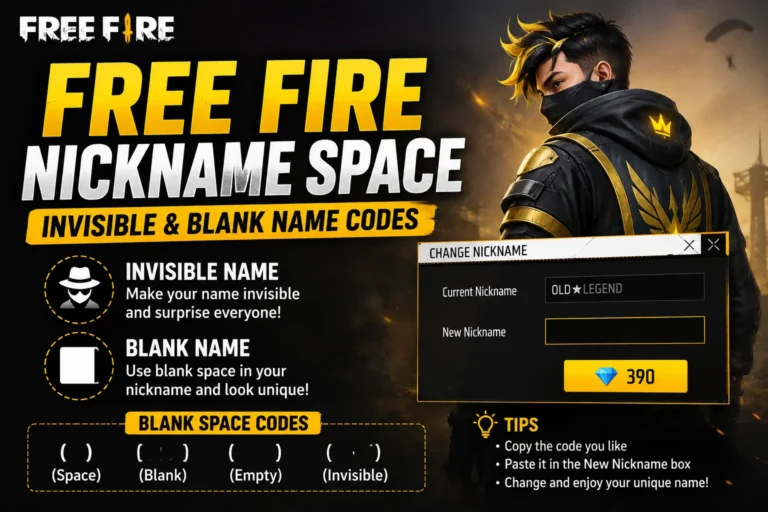
- A text field will appear. Type your new nickname directly, or if you’ve already picked one from a generator or a style list, paste it in using your phone’s clipboard.
- If this is your first-ever nickname change, the app will confirm it’s free and let you proceed immediately. If you’ve already used your free change, you’ll instead be prompted to use a Nickname Card from your inventory — or, if you don’t have one, you’ll be taken to the store to purchase one with diamonds first.
- Tap OK / Confirm to lock in the change.
- Your new nickname will update immediately across your profile, the leaderboard, squad chat, and your in-match display — no waiting period, no server restart needed.
A few practical tips for this process: if you’re pasting a name built from special symbols, copy it carefully and exactly. Some symbols look nearly identical on screen but are technically different Unicode characters underneath — pasting the “wrong” lookalike symbol can cause the paste to silently fail, get stripped out, or render as an empty box (□) once you confirm. If that happens, go back to whichever generator or list you copied from and try copying the string again, making sure you select the entire block of text including any symbols at the very start or end.
Stylish Nickname Ideas by Category
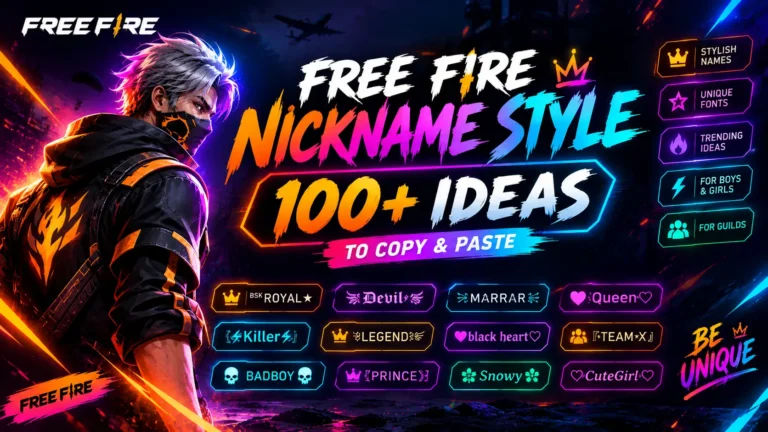
Below are name styles broken down by the categories players search for most often. Copy any of these directly and paste them straight into the game, or use them as a template and swap in your own base word or initials to make it personal.
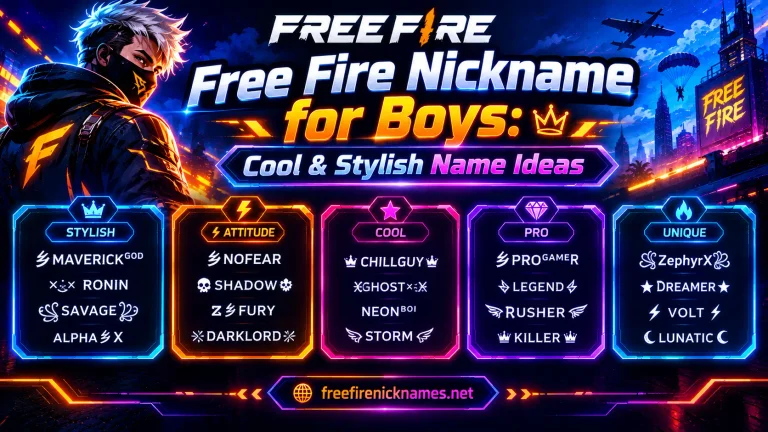
For Boys
- ×ᴋɪɴɢ×
- ᴅᴀʀᴋ•ʀᴀɪᴅᴇʀ
- ×ᴠɪᴘᴇʀ×
- ɢᴏᴅ˚sʜᴀᴅᴏᴡ
- ᴀʟᴏɴᴇ•ʙᴏʏ
- ×ᴋɪʟʟᴇʀ×AJAY
- ᴘᴀɴᴅᴀ˚ɢʜᴏsᴛ
- ×ᴋɪɴɢ×ROHIT
- ᴅᴇᴠɪʟ•ʙᴏʏ
- ᴘsʏᴄʜᴏ×ᴋɪʟʟᴇʀ
- ᴀʟᴏɴᴇ×ᴡᴀʀʀɪᴏʀ
- ʙᴀᴅ•ʙᴏʏ_007
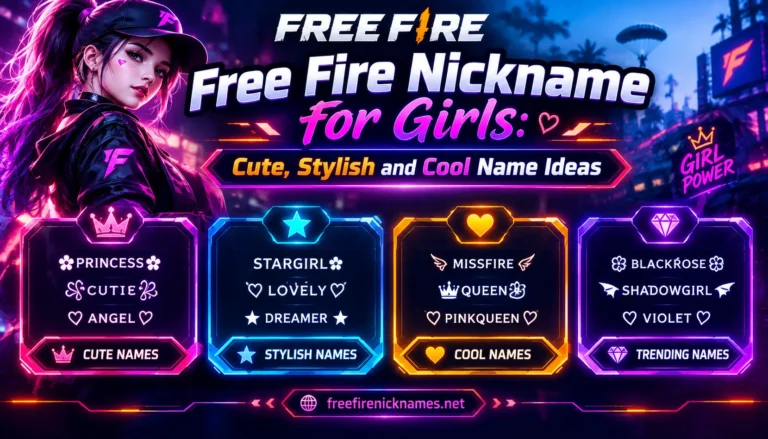
For Girls
- ᴘʀɪɴᴄᴇss˚
- ᴄᴜᴛᴇ•QUEEN
- ×ʟᴏᴠᴇʟʏ×
- ɢɪʀʟ_ᴏɴꜰɪʀᴇ
- ᴍɪss•ᴀᴛᴛɪᴛᴜᴅᴇ
- ᴘɪɴᴋ•ʙᴜᴛᴛᴇʀꜰʟʏ
- ᴅᴀɴɢᴇʀᴏᴜs•ɢɪʀʟ
- QUEEN_ᴏꜰ_ʜᴇᴀʀᴛs
- ×sɪɴɢʟᴇ×QUEEN
- ᴄᴜᴛᴇ•PRINCESS_07
- ᴡɪʟᴅ•ᴄʜɪʟᴅ
For Guilds
- [ TEAM VENOM ]
- -ᴋɪɴɢᴅᴏᴍ ᴏꜰ ᴡᴀʀ-
- [ THE RAIDERZ ]
- -ᴅᴀʀᴋ ʟᴇɢɪᴏɴ-
- [ SAVAGE SQUAD ]
- -THE UNTOUCHABLES-
Symbols & Fonts to Pair With These Names
Popular, widely-compatible symbols players layer into names include: × • ˚ ° – [ ] plus small-caps fonts (ᴀʙᴄᴅ style) and underscores for spacing. These render correctly on virtually every device and browser. The most reliable formula that consistently looks clean rather than cluttered is: one simple symbol accent + a small-caps or stylish font in the middle + your base word. Stacking multiple rare script-based symbols (from Bengali, Javanese, or CJK character sets) can look great inside the game itself, but they often fail to render properly on websites and some phone keyboards, showing up as broken boxes or unrelated icons instead — so for anything you’re pasting outside of Free Fire directly, stick to the simpler symbol set above.
Free Fire Nickname Generator
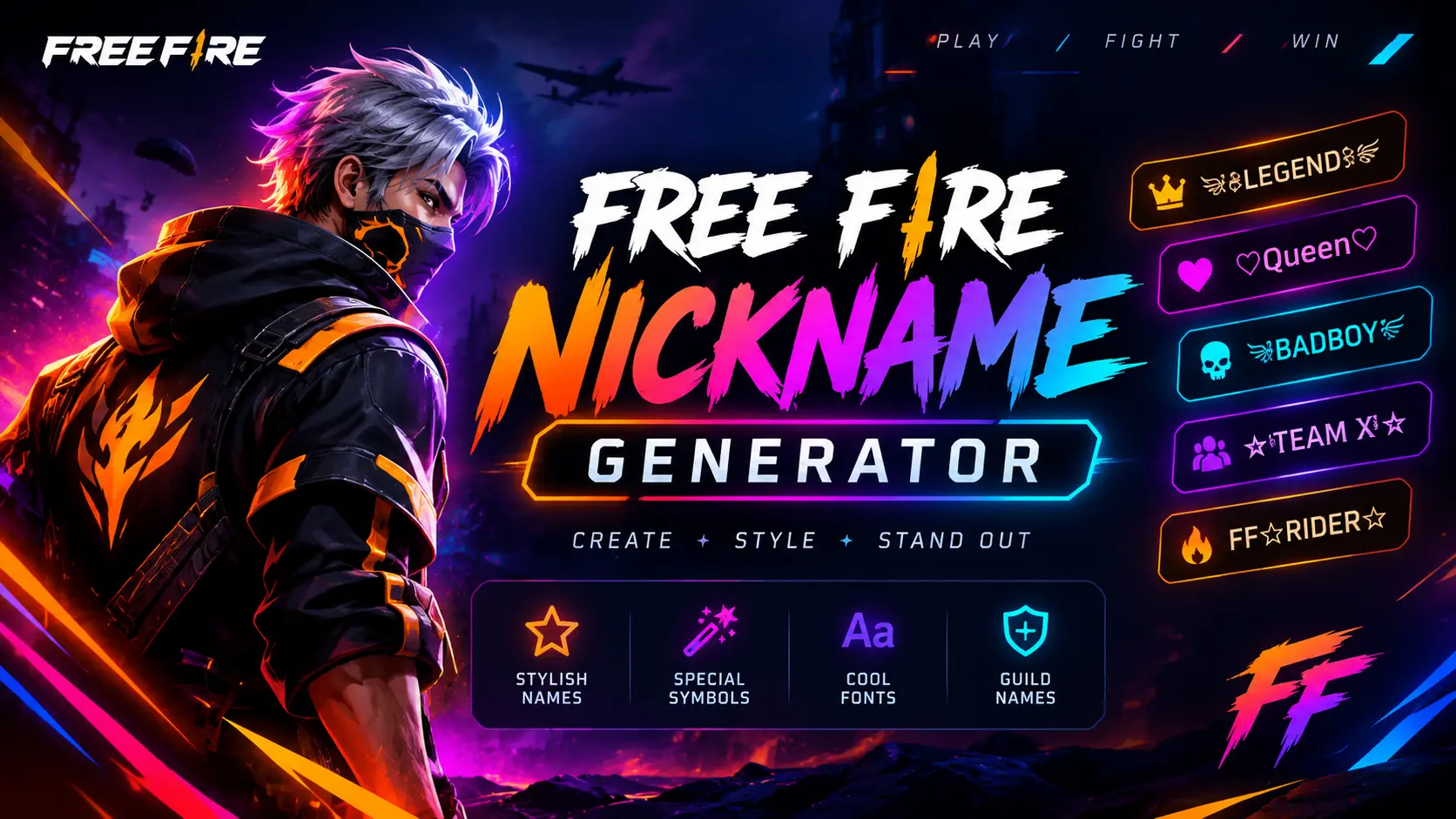
Typing out symbol combinations manually, character by character, is slow and it’s easy to accidentally grab the wrong lookalike symbol. Our free Free Fire Nickname Generator does this automatically: type your base name, pick a style — boys, girls, attitude, cool, king, or queen — and it instantly produces dozens of ready-to-copy variations with symbols and fonts already applied correctly. There’s no sign-up, no payment required, and results are checked against common duplicates so you’re less likely to run into a “name already taken” error the moment you try to save it. Try the generator above to build your own version of any name on this page in just a few seconds, or to find a completely fresh option nobody else on your server has picked yet.
Common Mistakes to Avoid When Naming Yourself
- Overloading with symbols. Stacking too many special characters at once can push you over the 12-character limit before you even get to your actual name, or make the finished result unreadable in the small text used during matches.
- Using unsupported Unicode. Some symbols display perfectly fine on your phone’s own keyboard or in a messaging app, but don’t render properly inside Free Fire’s font engine, showing up as a blank box instead of the intended character.
- Copying an exact popular name. Since duplicates aren’t allowed per server, an exact copy of a trending or famous name — like a well-known streamer’s tag — will usually fail to save. Tweak one symbol or letter to make your version unique while keeping the same overall look.
- Ignoring the content guidelines. Offensive, sexual, or impersonating names risk being flagged and force-reset by moderators, which can undo your styling work and sometimes cost you a Nickname Card you didn’t plan on spending.
- Forgetting you’ve already used your free change. Plan your final name choice before you commit, since your very next change after the free one will cost you a card.
- Not checking how it looks in-game before finalizing. A name can look great in a text document but render slightly differently once it’s actually applied — always glance at your profile after confirming to make sure everything displays as expected.
FAQs
Q: How many characters can a Free Fire nickname have? A: Up to 12 characters, including letters, numbers, spaces, and most symbols, though some special Unicode symbols may count as more than one character.
Q: Is changing my Free Fire nickname free? A: Your very first change is free. After that, every additional change requires a Nickname Card, which is purchasable with diamonds from the in-game store.
Q: Can two players have the same nickname? A: No, nicknames must be unique per regional server, which is exactly why symbol styling is so popular — it lets you keep a popular base name while making it technically unique.
Q: Do stylish names work in Free Fire MAX too? A: Yes. Free Fire and Free Fire MAX share the same account, profile, and nickname system, so any name that works in one works identically in the other.
Q: Can I use these names for my ID, nickname, or guild? A: Yes — the individual and boy/girl names above work for your personal profile nickname, while the guild-style names are designed specifically for naming a squad or clan.
Q: Why does my copied symbol show as a box instead of the symbol? A: That specific symbol likely isn’t supported by Free Fire’s font rendering engine. Try a slightly different but similar-looking symbol from the generator instead, and confirm it displays correctly before saving.
Conclusion
A great Free Fire nickname takes only a minute to set, but it says a lot about how seriously you treat your profile — and it’s one of the few things in the game that’s entirely up to your own creativity rather than your skill or grind time. Use the rules above to stay comfortably within the game’s limits, pick a style from the categories that best match your personality, and whenever you want fresh options fast, run your name through our Nickname Generator tool for instant, duplicate-checked results. For more specific styles — dedicated girls’ and boys’ lists, guild names, Tamil and Hindi variations, and the latest yearly trending picks — check the related guides linked throughout this page.